
📸 Passport Photo Maker – Convert Photo to Passport Size Online with Camera
photo to passport size • convert picture to passport size • passport size photo maker online
Create 2x2 inches, 35x45 mm, or custom sizes. Use mobile camera or webcam. 100% free, private, no upload.
📂 Click to Upload Photo or Drag & Drop
Supports JPG, PNG, WEBP🔒 your privacy matters
We do not store any photos. All conversions run directly in your browser (client‑side). No upload, no tracking, no server storage. Your photos never leave your phone or computer. 100% private.
About this tool – why I built it
Hey, I'm Naresh. Last year when applying for my passport renewal, the local studio charged me ₹300 for 8 photos I didn't need. My sister needed visa photos – different size, another ₹300. That's when I thought: why can't we just make our own? So I built this tool. It works completely in your browser – your photos never leave your device. My cousin in the US uses it for his kids' school photos. My neighbor, a travel agent, recommends it to all his clients. No sign-ups, no watermarks. Just upload or click a photo, adjust, and download.
– Naresh, creator of TopImageFixer
How to make passport size photo online in 4 steps
Step 1: Click "Take Photo" to use your mobile camera or webcam, or "Choose Photo" to upload an existing image.
Step 2: Select your required size – 2x2 inches (US), 35x45 mm (visa), or 3.5x4.5 cm (India/UK).
Step 3: Use drag to position your face and zoom slider so your head fills about 70% of frame.
Step 4: Set target file size (100KB works for most applications), choose format, and click Download.
Take Passport Photo with Mobile Camera or Webcam – No App Needed
Mobile Camera
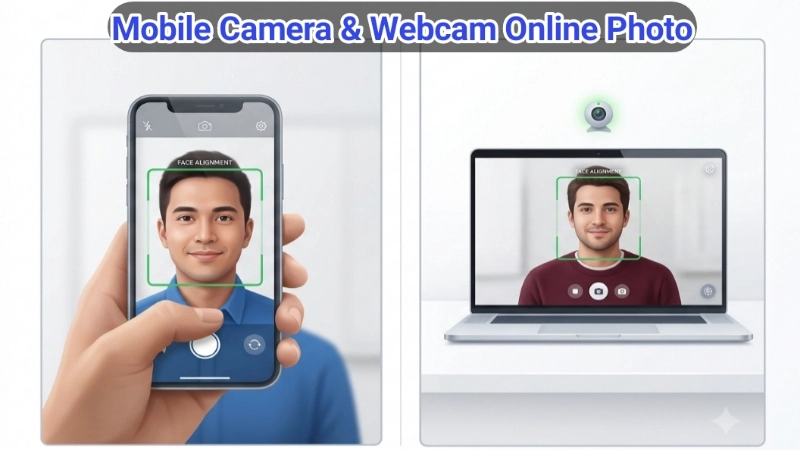
Click 📱 Take Photo above. Your phone camera opens right in this webpage – allow permission. Hold your phone straight, stand against a plain white wall, good lighting. Capture, then drag & zoom to adjust face position. Works on iPhone and Android instantly.
Web Camera
On your laptop or desktop, click 💻 Web Camera. Allow camera access, frame your face, click Capture. Perfect for last-minute ID photos, company badges, or online applications. No extra software needed.
Passport photo tips & common mistakes
• Background must be plain white or off-white – no shadows, no patterns.
• Neutral expression – mouth closed, eyes open, no smiling with teeth.
• No glasses – they cause glare and rejection.
• Head position – look straight, don't tilt. Face should be centered and fill ~70% of frame.
• Avoid dark clothes – wear contrasting color to white background.
Which passport photo size do you need?
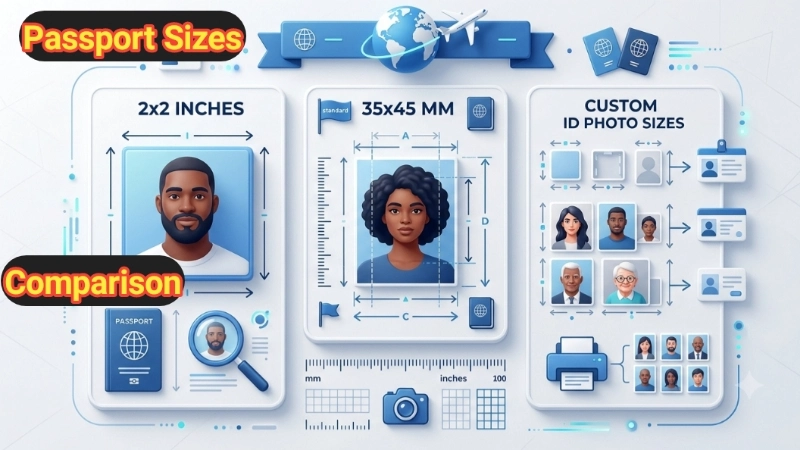
2x2 inches (51x51 mm) – United States passport, green card.
35x45 mm (3.5x4.5 cm) – Indian passport, Schengen visa, UK visa.
Custom sizes – For student IDs, company badges, use the custom option.
Not sure? Check your application requirements – our dropdown covers all major sizes.
Frequently Asked Questions (FAQ) - passport photo online free
⚡ Image Optimizer – more free tools You Might Need
Check these other free Quickly your photos, pictures – most popular tools all private, no upload
📖 Helpful Articles From read our Blog
How to Take Passport Photo at Home With Phone: Complete Guide 2026
Yes, really. Your smartphone is powerful enough. The US government accepts home photos. And with the right steps, your application will sail through.👉Read more ?
Free Online PNG to PDF Converter: Stop Sending 10 Images When 1 File Will Do
We will look at why you might need a PNG to PDF converter free of charge. And I will teach you how to do PNG to PDF convert free in just a few clicks.👉Read more ?
How to Make Photos Passport Size: A Complete Beginner’s Guide (No Photoshop Needed)
By the end of this article, you will never pay for a passport photo again. You will be the person your friends ask for help. And you will save time and money.👉Read more ?
Supported image formats
Upload any photo – we'll convert it to perfect passport size JPG or PNG