
TopImageFixer – Free Image & PDF Tools (No Upload)
Transform images with simple tools: PNG to JPEG, JPG to PDF, Compress Images, Watermark, Passport Photo – fast, private, no signup.
Batch processing, bulk rename, high-quality output. Everything runs in your browser.
Browse All ToolsWhy I built these image tools (and why they're different)
Hey there. A few years back, I was running a small online store selling handmade stuff. Every day I had to click photos of my products, resize them for the website, and convert them to the right format. The problem? All those "free" online tools would ask for my email, watermark my images, or upload my product photos to their server. I had no idea where my files were going. Felt creepy.
So I started building my own tools. Ones that work right inside your browser – no upload, no servers. I'm not a big company, just a guy who codes and understands how frustrating it is when something simple takes forever. That's how TopImageFixer came to life. I wanted tools that are fast, private, and actually free – not the kind where you hit a limit after three uses.
Today, these tools help thousands of people every month. Small business owners, teachers, students, photographers – regular folks who just want to crop a photo or compress a PDF without jumping through hoops. I keep adding new converters because people ask for them. PNG to JPG, PDF to WebP, bulk rename... if it helps someone save ten minutes, it's worth adding.
What makes this different? Everything runs on your device. Your image never leaves your phone or computer. I literally cannot see it. No hidden uploads, no data collection, no tracking. I do show ads to pay for server costs (someone's gotta buy coffee), but those ads are from third parties and they use their own cookies – I don't control that. But your file? Stays with you. Always.
If you ever get stuck or need a tool I don't have yet, just drop a message. I read every email. This site is for people like us – not for corporations. Hope it makes your day a little easier.
– Naresh, TopImageFixer
Image Optimizer – Free Image Editing Tools
Resize, reduce, crop, rotate and enhance photos for web, ID, social – all free.
Image Reducer
Reduce image size online
Resizer Image
Resize image dimensions
Passport Size Photo
2x2 passport photo online
Watermark Image
Add text/logo watermark
Image Renamer
Batch rename images
Rename Compress
Batch images rename + compressor
Black White Image
make image black white
Blur Image
Blur face/background
Rotate Image
Rotate left/right
Image Cropper
Crop & shapes photo
Online Image Compressor & File Compress Fast Tools
Reduce JPG, PNG, PDF, WEBP size – keep quality.
All-in-One Image Converter Tools
Convert between JPG, PNG, PDF, WEBP, SVG, BMP – batch supported.
JPG to PNG Converter
Change JPG to PNG
JPG to PDF Converter
transfer jpg in pdf
JPG to WebP Converter
convert jpg to web page
JPG to SVG Converter
turn jpg into svg
JPG to BMP Converter
convert jpg to bmp file
PNG to JPG Converter
switch png to jpg
PNG to PDF Converter
convert png file into pdf
PNG to WebP Converter
converting png to webp
PNG to SVG Converter
png to vector file
PNG to BMP Converter
change png to bmp
PDF to JPG Converter
convert pdf file to image
PDF to PNG Converter
turn pdf into png
PDF to WebP Converter
PDF pages to WEBP
PDF to SVG Converter
change pdf to svg
PDF to BMP Converter
pdf to bitmap file
WebP to JPG Converter
turn webp into jpg
WebP to PNG Converter
change webp to png
WebP to PDF Converter
webp file to pdf
WebP to SVG Converter
WEBP to vector
your privacy matters
We do not store any images. All conversions happen directly in your browser (client-side). Your files never leave your device – we literally cannot see them.
100% private – your photos stay on your phone/computer.
No upload servers – everything runs locally.
Works offline after the page loads.
Third-party ads may use cookies, but your images are never sent anywhere.
How real people use these tools every day
Small business owners rely on the image resizer and JPG compress to prepare product photos for their online store. A 5MB image becomes 300KB without losing quality – pages load faster, customers stay happy. They use rename and resize to batch-process 30 photos in one go, saving hours of manual work.
Students and teachers are constant users of JPG to PDF and PDF to JPG. A student snaps notes with their phone, converts them to PDF for submission. A teacher extracts images from a PDF to create a presentation. The passport size photo tool saves trips to the photo studio – upload a selfie, get official 2x2 inch photos ready for applications.
Social media managers and content creators live by WebP compress and PNG to WebP. WebP gives 30% smaller files than JPG with better quality – essential for fast-loading Instagram and website visuals. They use watermark image to protect their work before posting.
Freelancers and remote workers handle contracts daily. PDF compress shrinks large scanned contracts for email. rotate picture and crop image fix phone photos of documents before sending. The black and white converter turns color scans into crisp, print-ready monochrome PDFs.
Photographers and hobbyists use blur picture to obscure faces for privacy when sharing event photos online. JPG to SVG lets them turn a simple logo into a scalable vector for merch. And when archiving, PDF to WebP saves space while keeping every detail.
These aren't rare use cases – they're daily realities. And because every tool works offline after the page loads, you can use them on a plane, in a café with spotty WiFi, or during a commute. No login, no data leaving your device, no limits.
Frequently Asked Questions (FAQ)
Straight from our users. No marketing fluff.
Image Processing Insights
Learn optimization techniques
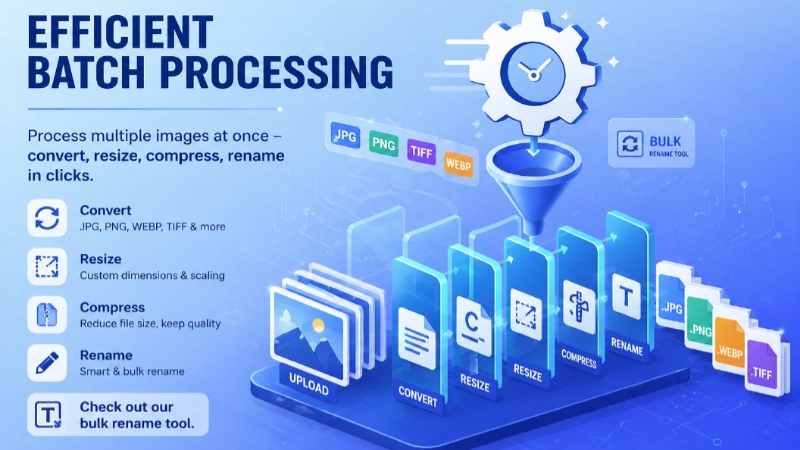
Efficient Batch Processing
Process multiple images at once – convert, resize, compress, rename in clicks. Check out our Bulk Rename Tool.

Smart Image Optimization
Reduce file size up to 80% without visible loss. Use JPG compress or PNG compress.
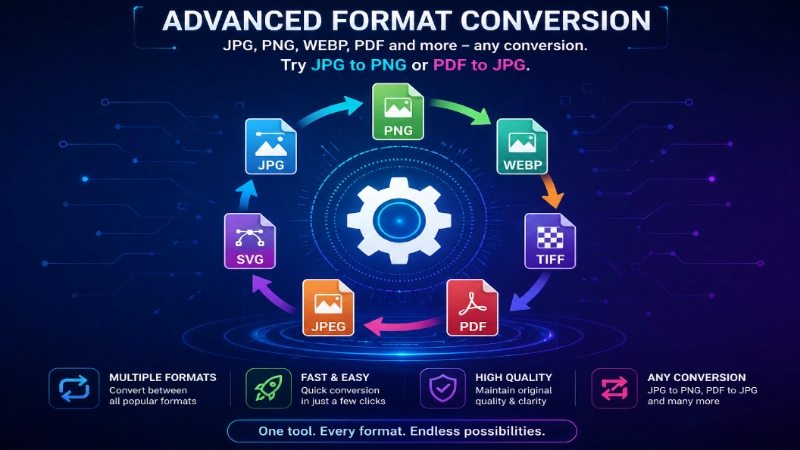
Advanced Format Conversion
JPG, PNG, WEBP, PDF and more – any conversion. Try JPG to PNG or PDF to JPG.
Advanced Image Processing
Specialized editing techniques
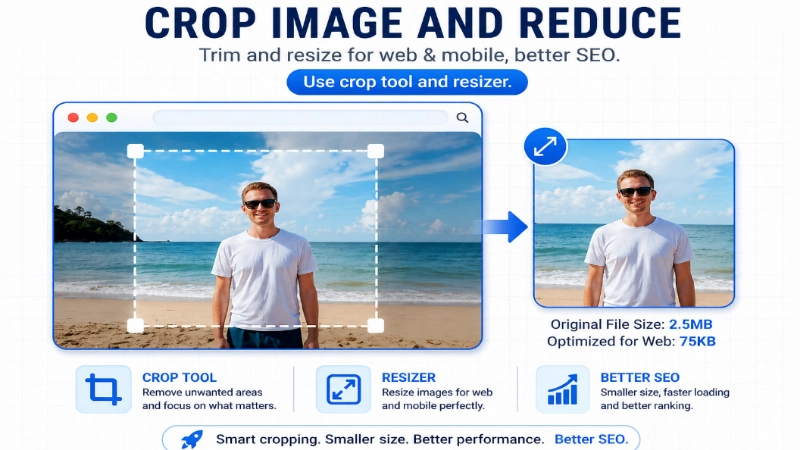
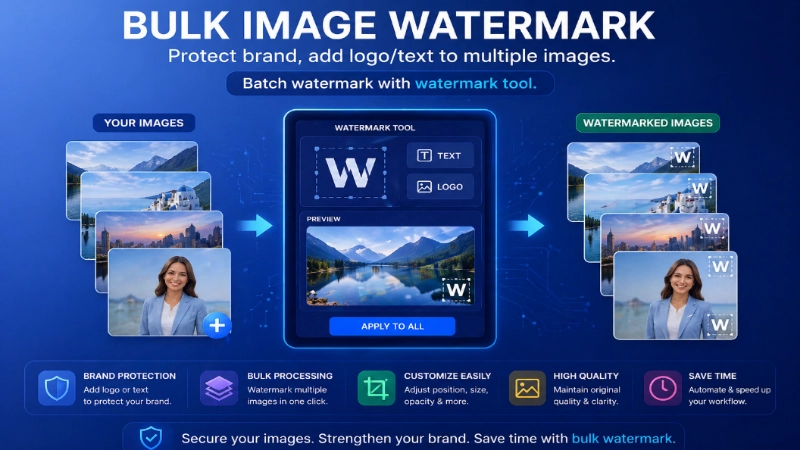
Bulk Image Watermark
Protect brand, add logo/text to multiple images. Batch watermark with Watermark Tool.
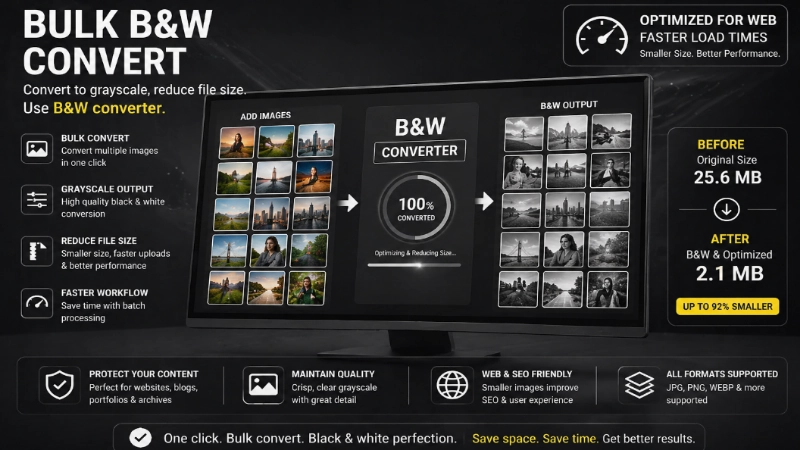
Bulk B&W Convert
Convert to grayscale, reduce file size. Use B&W Converter.
Smart compression that keeps quality
Our JPG compress and PNG compress tools use advanced algorithms to strip unnecessary metadata and reduce file size by 50–80% while preserving the sharpness. The PDF compress utility re-encodes images and removes duplicate objects – perfect for shrinking scanned documents before emailing. You decide the balance between size and quality.
Seamless format conversion – all directions
Need a JPG from a PNG? Or a PDF from a set of images? This suite covers every common path: JPG to PNG, PNG to JPG, JPG to PDF, PNG to PDF, WebP to JPG, JPG to WebP and many more. Even vector conversions like JPG to SVG or PNG to SVG are possible via our auto-tracing (best for logos and simple graphics). Plus, we support PDF to JPG, PDF to PNG, PDF to WebP – extract every page as an image in one click.
Resize, rename & prepare for any platform
The image resizer lets you set exact pixels or scale by percentage. Combine with rename and compress to batch-process hundreds of photos for your webshop, blog, or social media. The passport size photo tool automatically crops to 2x2 inch (51x51 mm) with proper head alignment and plain background – follows official guidelines of most countries. Also rotate picture and crop image give you pixel-perfect control.
Creative touches: watermark, black & white, blur
Protect your work with watermark image – add a text or logo overlay with adjustable opacity and position. Want a classic vibe? Black and white image converter creates rich monochrome photos. The blur picture tool helps you obscure faces, license plates, or sensitive information before sharing online. All edits are reversible, and you work on a copy – original stays untouched.
Why local processing matters for privacy
Every tool in this collection uses client-side JavaScript. That means your files are processed inside your own browser and never transmitted to any server. We literally cannot see your images or PDFs. This approach also makes the tools lightning-fast and reliable – you can even use them offline after the page loads. No upload limits, no queues, no one else peeking.